Product Highlights
- Integrated HD camera and full-duplex speakerphone deliver clear video and crisp audio for small group conferencing.
- Remote control functionality allows for easy pan, tilt, and zoom adjustments directly from across the room.
- Plug-and-play USB connectivity ensures quick setup and compatibility with most video conferencing platforms.
- Omnidirectional microphone captures voices from up to 8 feet away, supporting group discussions with reduced background noise.
- Compact all-in-one design saves space and blends seamlessly into modern office environments.
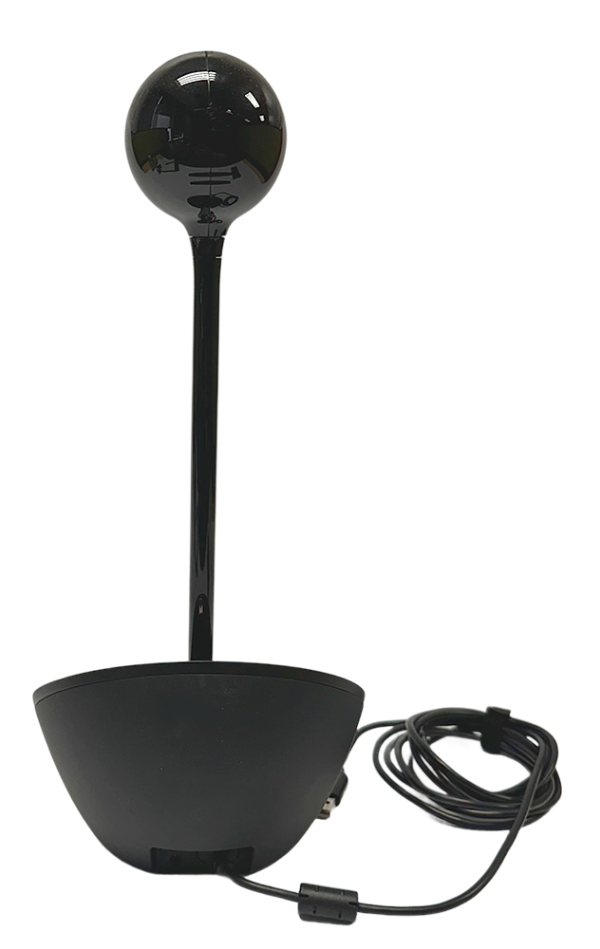
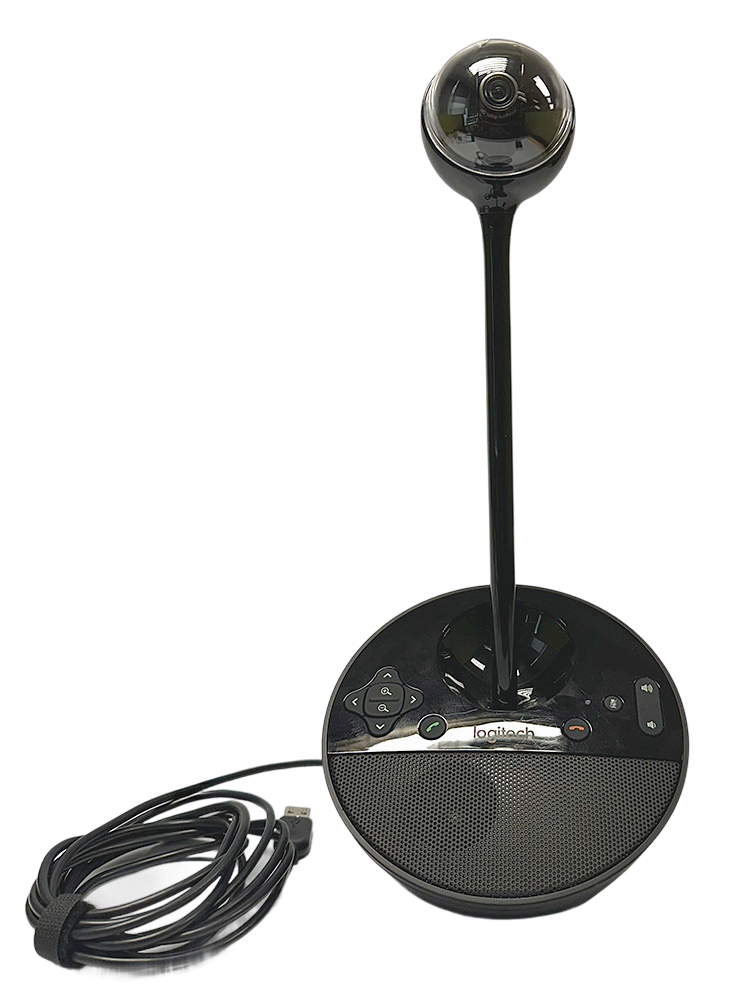
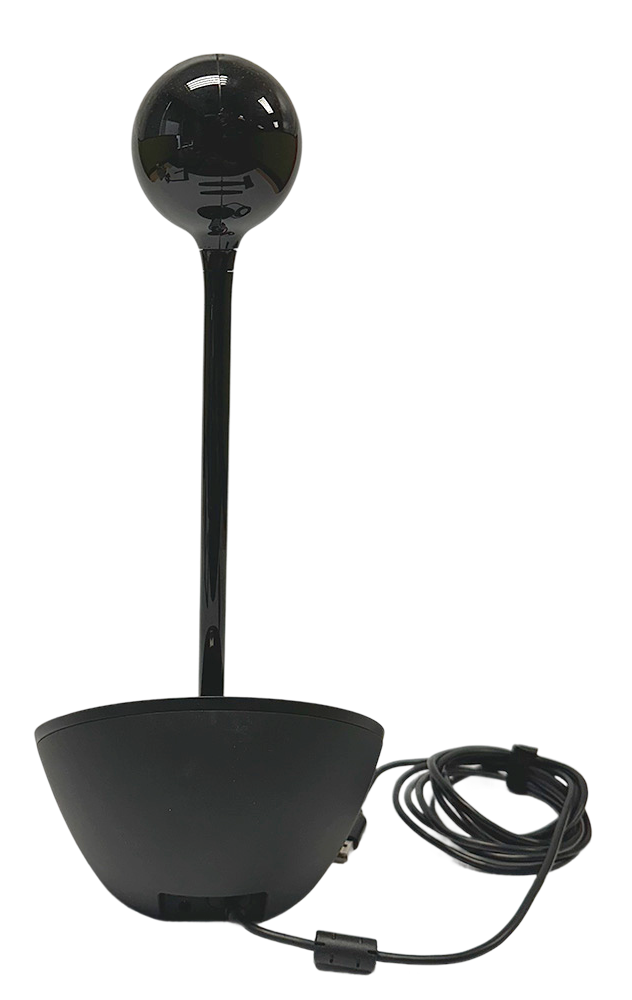
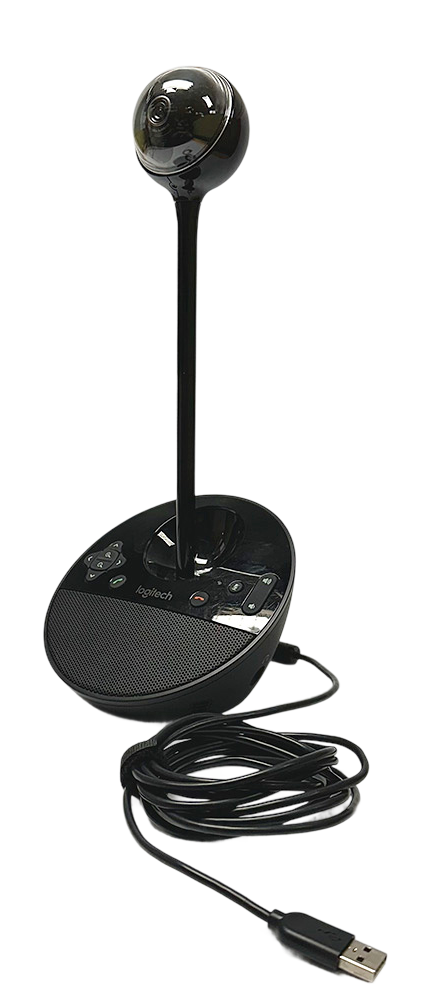
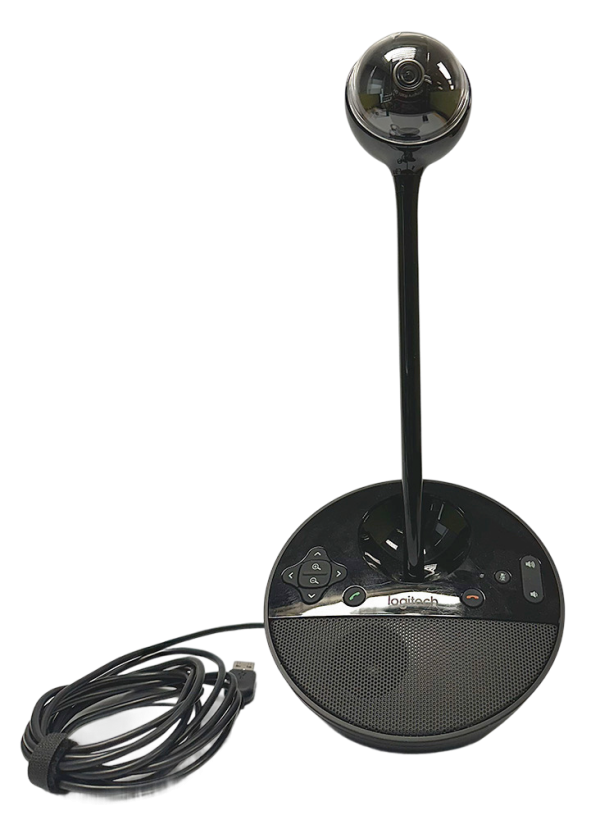
Featuring a sleek, glossy camera on a tall neck, the device has a modern conference look.
Practical Use Cases
- Perfect for small conference rooms or huddle spaces that require reliable video and audio for group calls.
- Works well for remote interviews and recruitment meetings with easy pan and zoom to capture all participants.
- Suitable for virtual client presentations where clear visuals and sound help deliver professional impressions.
- Useful in educational webinars or distance learning to facilitate collaborative discussions among students and instructors.
- Effective for daily team standups and project check-ins, connecting remote and on-site staff effortlessly.
Why Choose This Conference Solution
The Logitech BCC950 offers an all-in-one solution, combining high-quality camera and audio elements into a single compact device, making it convenient for modern huddle rooms and small conference areas.
With plug-and-play USB simplicity, setup is nearly instant and requires no technical expertise, reducing downtime and helping teams get started quickly.
Remote controls for camera adjustments save valuable meeting time and allow users to focus on communication rather than fiddling with equipment.
Its omnidirectional microphone ensures everyone’s voice is heard, even in dynamic group meetings, supporting collaboration and boosting productivity.
Durable build and smart form factor make this camera a practical long-term addition to any workplace setup, supporting both in-person and hybrid meetings.
Real-Life Benefits
- Eliminates setup frustration by providing instant USB connectivity for seamless video meetings when time matters most.
- Solves unclear communication during team sessions by offering wide-range audio pickup and full-duplex sound for natural conversations.
- Reduces clutter and confusion with an all-in-one device that manages both video and audio needs for smaller meeting spaces.
- Addresses meeting fatigue by enabling simple remote camera control, allowing teams to stay focused without leaving their seats.
Frequently Asked Questions
Yes, it works seamlessly with both Windows (version 7 or later) and macOS (version 10.7 or later) systems.
The BCC950 supports popular platforms like Skype, Zoom, Microsoft Teams, and Cisco Webex for easy integration.
The built-in microphone captures clear sound for participants seated up to 8 feet from the device.
Use the included remote control to smoothly pan, tilt, and zoom the camera for optimal framing without leaving your seat.
No additional software is needed. Simply plug in the USB cable and the device is ready to use with most conferencing software.
The Logitech BCC950 Conference Camera brings simplicity and efficiency to your meeting space, combining crisp video and crystal-clear audio in one compact device. Enjoy stress-free video meetings and let your team collaborate without the hassle. Make meetings productive and professional—upgrade your setup today.
Technical Specifications
- Camera Resolution: 1080p HD
- Field of View: 78°
- Microphone Range: 8 ft
- Speaker Output: 80 dB SPL
- Pan Range: 180° motorized
- Tilt Range: 55° motorized
- Zoom: 1.2x digital
- Connectivity: USB 2.0
- Compatibility: Windows 7 or later, macOS 10.7 or later
- Remote Control: Included (pan, tilt, zoom, call controls)
- Dimensions (Base): 5.91" diameter
- Height (with camera): 12.20"
- Weight: 1.36 lb
- Cable Length: 8.20 ft
- Supported Platforms: Skype, Zoom, Microsoft Teams, Cisco Webex
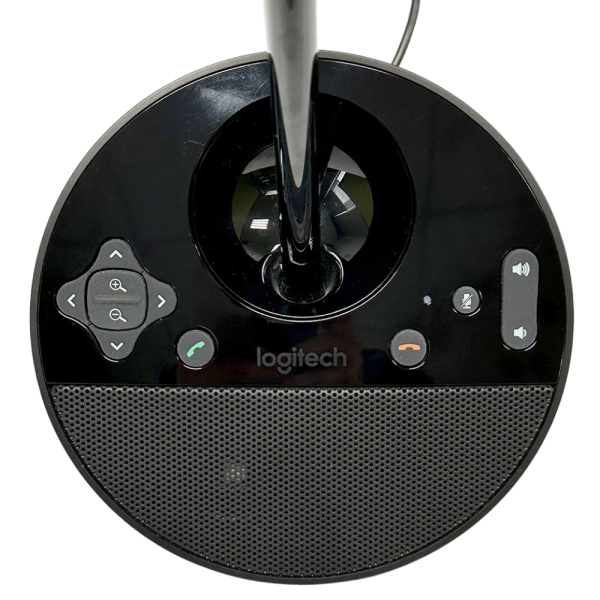
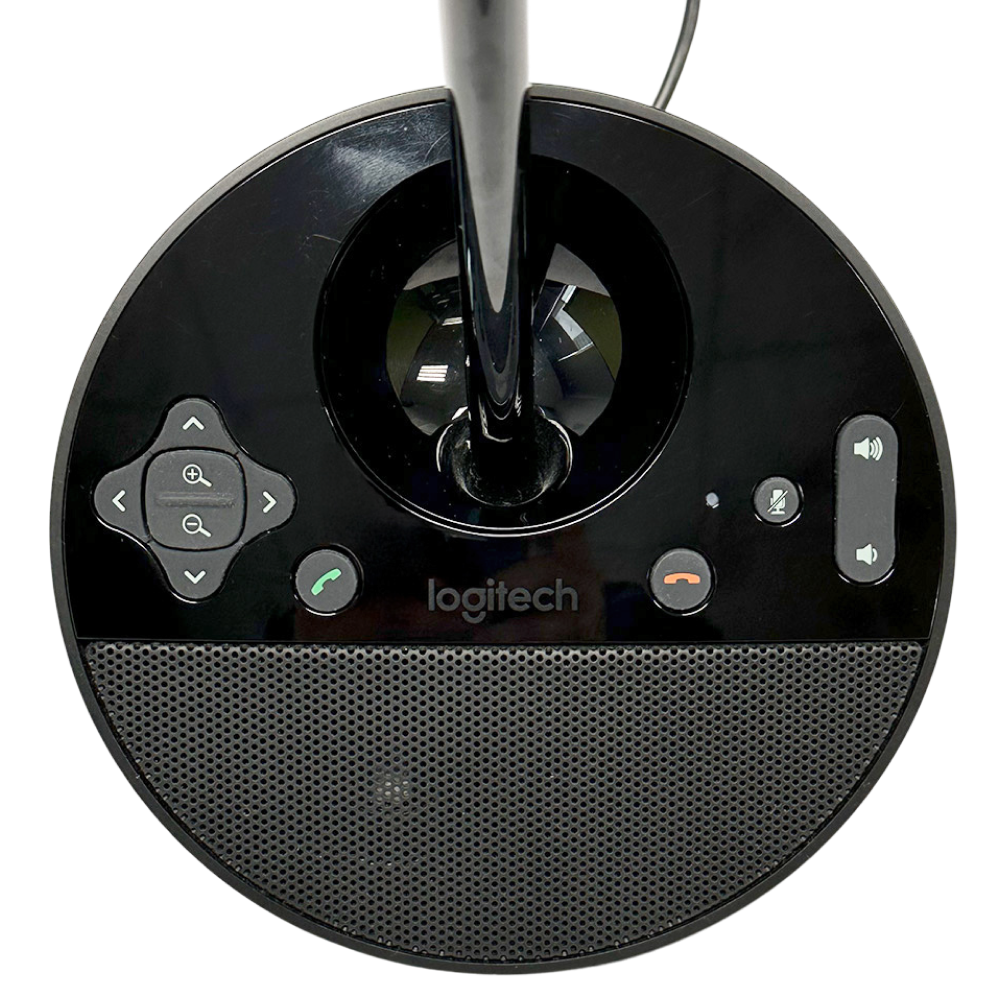
Intuitive touch controls and a speaker grille are integrated into the smooth black circular base.