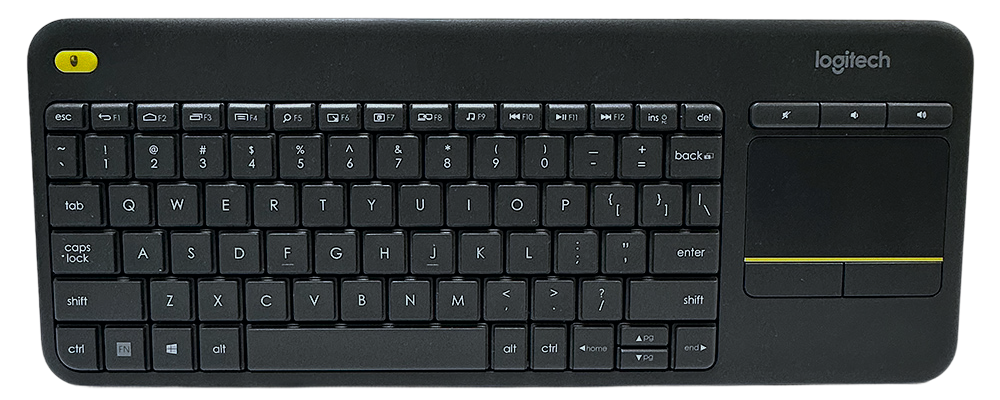
Product Highlights
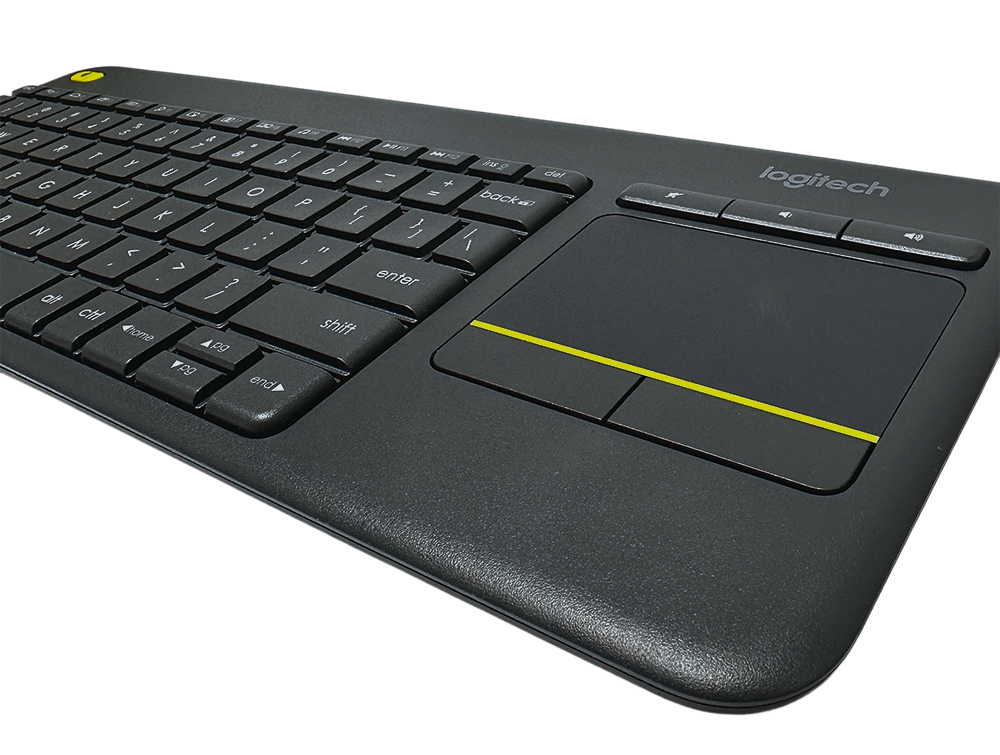
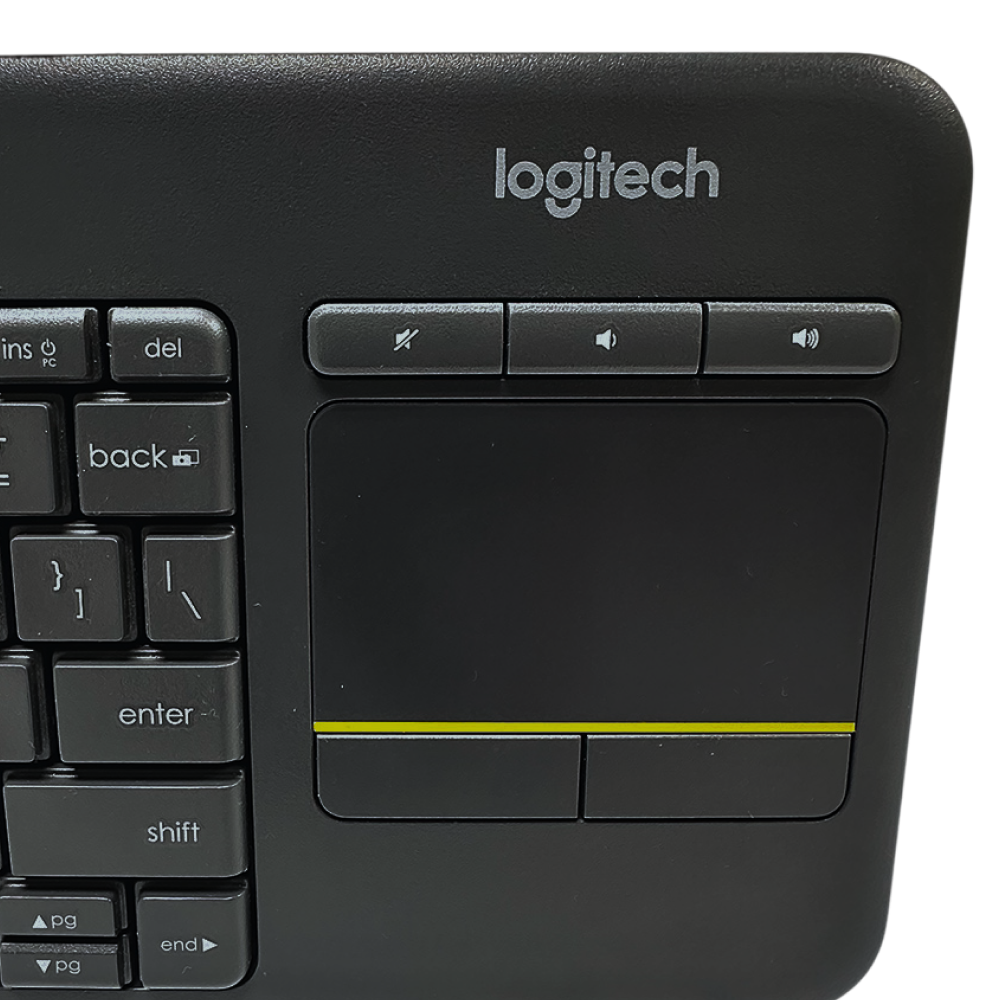
- Integrated touchpad allows for easy navigation without a mouse.
- Wireless connectivity provides freedom of movement up to 33 feet.
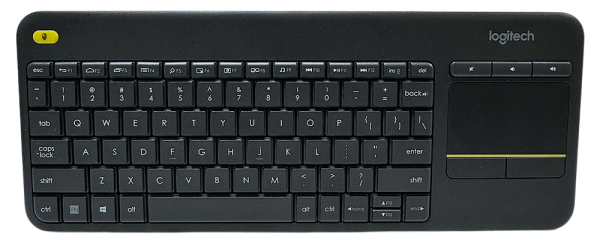
- Full keyboard layout with convenient multimedia hot keys for instant control.
- Slim, compact design makes it easy to carry and store.
- Long battery life for extended use without frequent replacements.
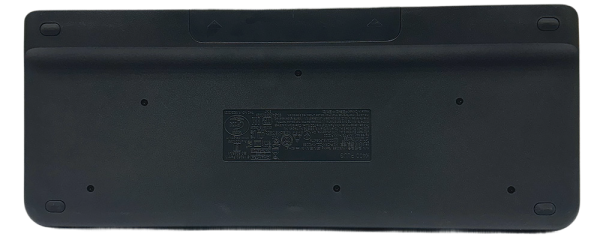
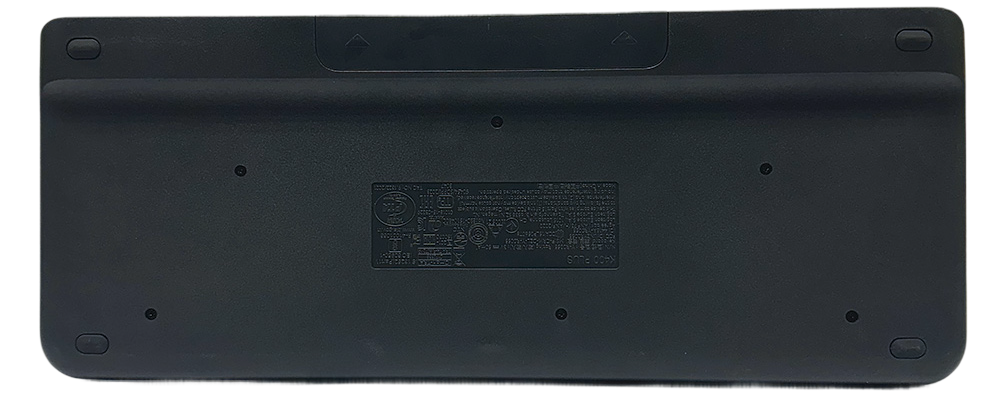
The back panel features a matte black finish with four corner pads for reliable desk grip.
Practical Use Cases
- Hands-off media control for smart TVs, streaming devices, or home theater PCs.
- Easy navigation and typing from the couch, coffee table, or even across the room during meetings.
- Convenient input device for presentations in business or education settings.
- Ideal keyboard for compact workspaces, dorm rooms, or minimalist office setups.
- Portable solution for quick device setup during travel or when on-the-go.
Why Choose This Keyboard
Combining a keyboard and touchpad in one device saves space and streamlines your setup. This design offers a clutter-free workspace for living rooms, offices, or classrooms.
With reliable wireless technology, you enjoy freedom to control your device from the couch, conference table, or across the room. It boosts flexibility for both business and leisure.
The full keyboard layout and dedicated hot keys make typing, browsing, and media control straightforward and efficient. It helps you get things done quickly without reaching for extra devices.
A compact form factor means setup and storage are hassle-free. The keyboard is lightweight and portable, adapting well to different work or entertainment environments.
Long battery life reduces the need for frequent battery changes, so users can focus on productivity and entertainment without disruption.
How This Keyboard Makes Life Easier
- Eliminates the need for a separate mouse, streamlining your desktop and making navigation simple, especially in tight spaces.
- Lets you control your TV-connected device from the comfort of your couch, solving the problem of limited mobility and enhancing entertainment experiences.
- Makes working or browsing more efficient with multimedia hot keys, so you don’t have to fumble for controls or waste time searching.
- Minimizes interruptions with extended battery life, letting you work, stream, or play longer between battery changes.
Frequently Asked Questions
Yes, the Logitech K400 Wireless Keyboard is compatible with many smart TVs that support USB HID keyboards. Always check your TV’s specifications for compatibility.
You can use the keyboard up to 33 feet away from your connected device, making it perfect for living rooms, classrooms, or large conference spaces.
Simply slide open the battery compartment on the back to insert two AA batteries. With normal use, the batteries can last up to 18 months.
The K400 is primarily designed for Windows, Chrome OS, and Android. While it may work for basic typing on Mac, some functions, especially hot keys, may not be fully supported.
For the best wireless performance, use the included USB receiver in a direct USB port. Avoid placing the receiver near USB 3.0 ports or other wireless devices that could cause interference.
The Logitech K400 Wireless Keyboard combines convenience and performance in a sleek, modern design. With integrated wireless control and a touchpad, it simplifies both work and entertainment. Make your setup cleaner, your controls easier, and your experiences smoother. Don’t wait to upgrade your tech—discover new possibilities with the K400 Wireless Keyboard today.
Technical Specifications
- Connectivity: Wireless (2.4GHz)
- Touchpad: Integrated, multi-touch
- Wireless Range: Up to 33 ft
- Keyboard Layout: Full QWERTY with multimedia hot keys
- Battery Life: Up to 18 months
- Power Source: 2 AA batteries
- Dimensions: 14.00" x 5.50" x 1.00"
- Weight: 13.76 oz
- Compatibility: Windows, Android, Chrome OS
- Color: Black with yellow accent
- Indicator Lights: Battery status
- Hot Keys: Media, volume, home, search, and more
- Touchpad Size: 3.5" x 2.0"
- Mouse Buttons: Left and right click integrated
- Brand: Logitech
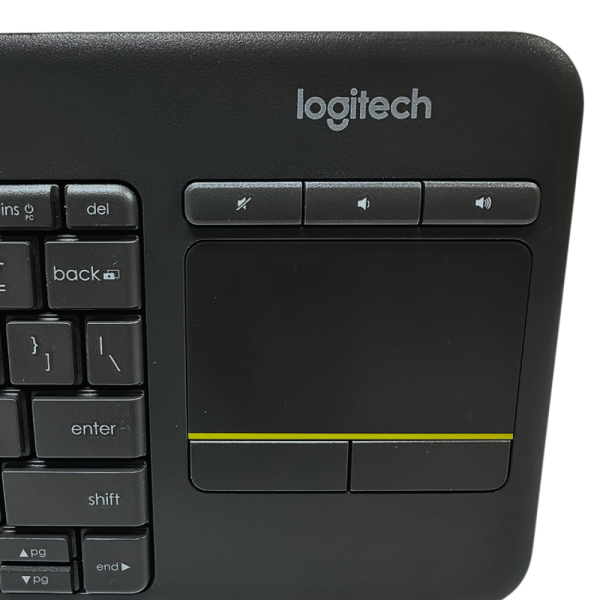
Integrated touchpad and media controls offer a seamless experience for navigating and managing content.