Core Features
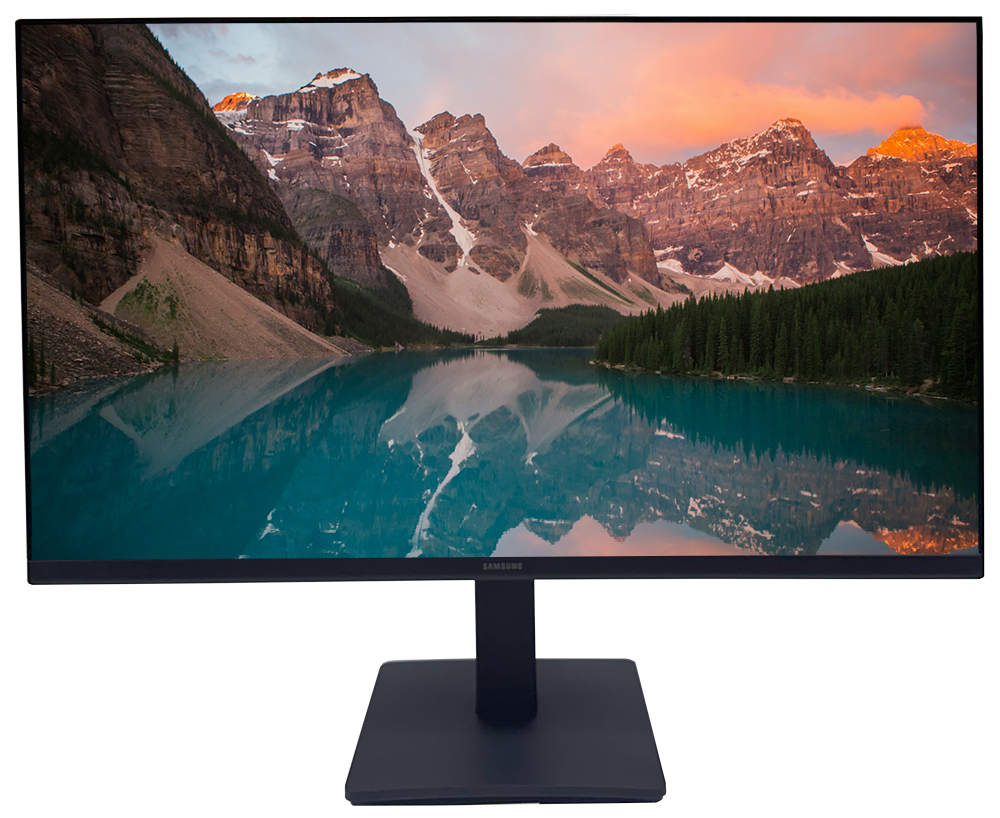
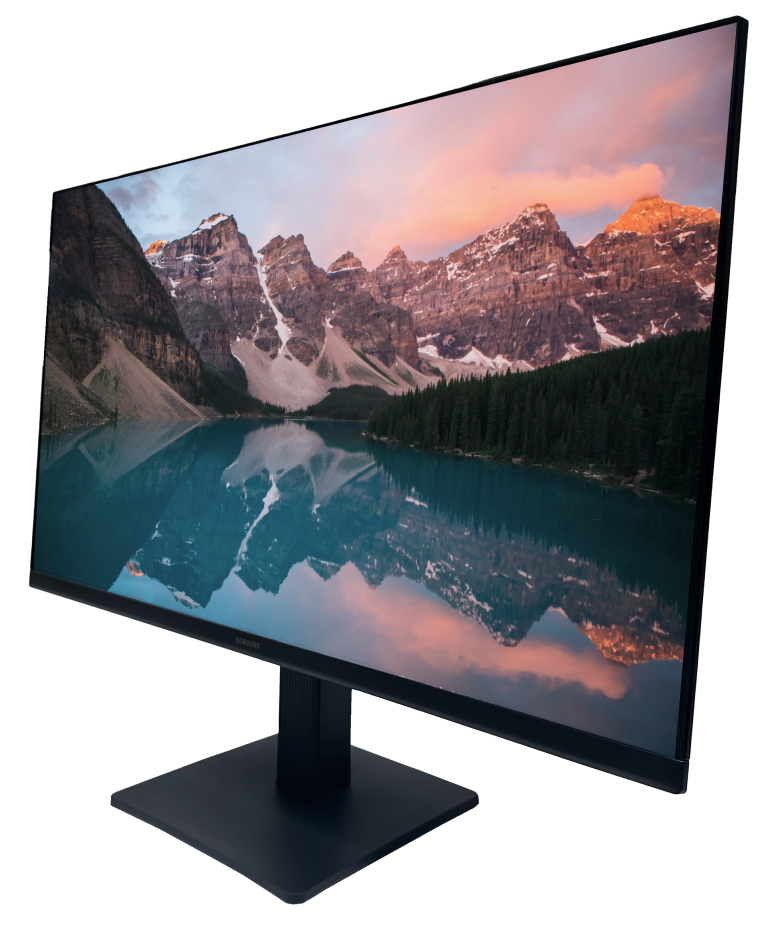
- Borderless Design: Features a slim, three-sided borderless frame that creates a seamless multi-monitor view.
- IPS Panel: Delivers consistent color and clarity from all viewing angles for accurate, vibrant displays.
- Full HD Resolution: Provides sharp, detailed visuals at 1920 × 1080 pixels to enhance productivity and entertainment.
- 75Hz Refresh Rate: Smooths motion on screen, reducing image blur for more fluid video and gaming experiences.
- AMD FreeSync™: Synchronizes graphics output and display to minimize tearing and stuttering during fast action.
- Eye Saver Mode & Flicker-Free: Reduces blue light and flickering to help protect eyes during extended use.
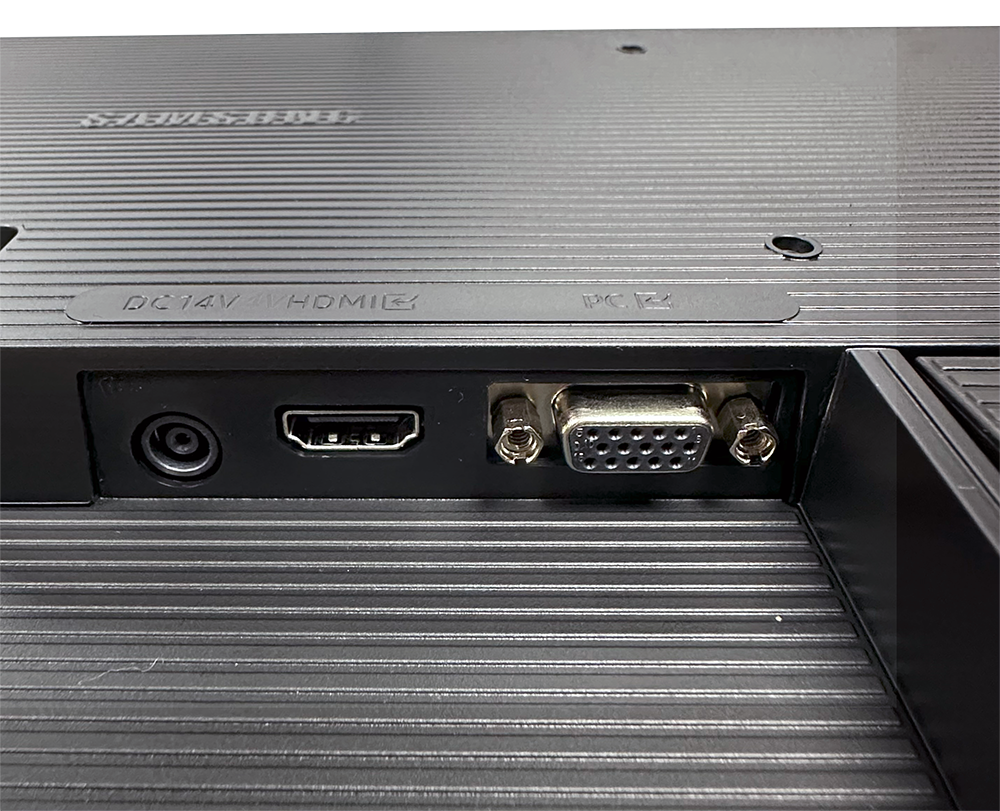
- Dual Inputs (HDMI & D-Sub): Offers flexible connectivity with both modern and legacy devices, making it a convenient monitor with HDMI.
Ideal Use Cases
- Home office workstation: Provides clear visuals for multitasking, video calls, and productivity tools.
- Dual-monitor desk setup: Borderless design is perfect for side-by-side displays in professional or creative spaces.
- Casual or immersive gaming: 75Hz refresh and FreeSync help deliver smooth, responsive action scenes.
- Streaming and entertainment: Full HD clarity brings lifelike color to movies and online videos.
- Extended work sessions: Eye Saver Mode and Flicker-Free technology support comfortable use all day.
Do monitors come with HDMI?
Many monitors, including the Samsung Essential Monitor S3 24″ led monitor, feature HDMI ports for easy connectivity. HDMI allows quick setup with modern computers, consoles, or media players. Always check specifications to confirm compatibility before connecting your devices.
Is there HDMI on a monitor?
Yes, the Samsung Essential Monitor S3 24″ led monitor includes an HDMI input. This modern connection supports high-quality video and audio from a range of sources. HDMI is a common feature for seamless integration with many home office display setups.
What is the LED monitor?
An led monitor uses light-emitting diodes to backlight the display, resulting in brighter, more energy-efficient performance. The Samsung Essential Monitor S3 24″ is an example, providing vivid images with reduced power consumption and sleek modern design.
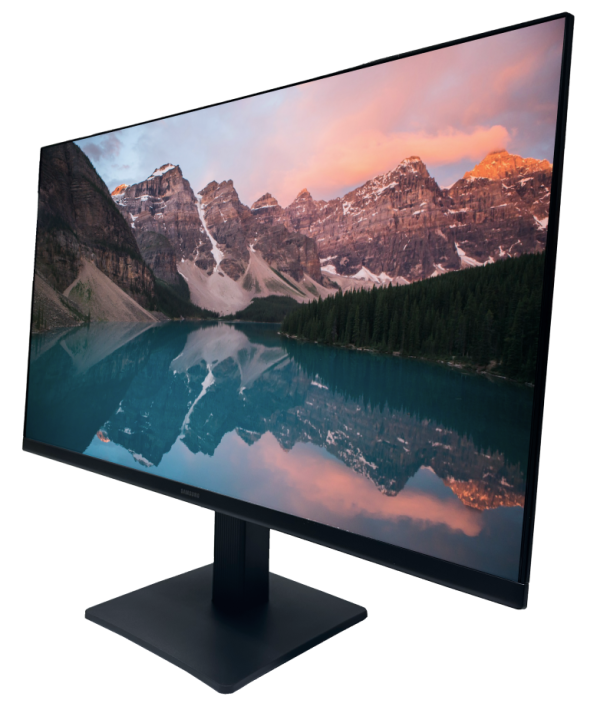
Shop crisp visuals and vibrant landscapes showcased on this ultra-slim led monitor.
Product Advantages
- Clearer visuals with Full HD IPS technology ensure accurate color for tasks from design to streaming.
- Borderless design supports immersive multi-monitor setups, ideal for home office display arrangements.
- Advanced eye comfort modes reduce strain, supporting longer and more comfortable work sessions.
- Smooth performance in video and gaming thanks to 75Hz refresh and FreeSync technology.
- Flexible input options simplify connecting PCs, game consoles, and other devices using HDMI or D-Sub.
Why You’ll Love It
Whether working, gaming, or streaming, the Samsung Essential Monitor S3 24″ led monitor helps you do more with less visual clutter thanks to its borderless design. The expansive Full HD screen showcases crisp detail, while vibrant IPS color keeps every image accurate from any angle. With flexible HDMI connectivity, this home office display fits easily into modern and legacy setups, helping you get more done with comfort and style.
Shipping & Returns: We offer fast, reliable shipping on all orders. If you are not completely satisfied with your purchase, returns are accepted within 30 days of delivery in original condition. Please review our full return policy for detailed instructions.
Frequently Asked Questions
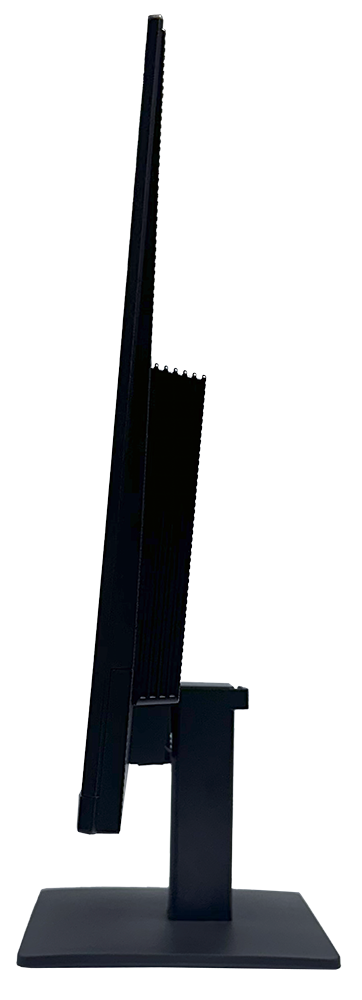
The monitor measures 21.3 x 12.7 x 1.7 inches (without stand), making it suitable for most desks and home office displays.
Yes, it is compatible with standard VESA mounts, allowing flexible installation options for different workspaces.
According to the official listing, an HDMI cable is typically included, ensuring easy initial setup with HDMI-compatible devices.
Yes, the monitor features both HDMI and D-Sub (VGA) ports, enabling connections with modern computers and legacy hardware.
It offers Eye Saver Mode and Flicker-Free technology, designed to reduce eye strain during long periods of use.
The Samsung Essential Monitor S3 24″ supports up to 75Hz refresh rate for smoother motion and reduced screen tearing.
Shop this led monitor for enhanced color, smooth performance, and flexible connectivity. Elevate your workspace or entertainment experience—upgrade your setup today.
- Screen Size: 24 inches
- Panel Type: IPS
- Resolution: 1920 × 1080 (Full HD)
- Aspect Ratio: 16:9
- Refresh Rate: 75Hz
- Connectivity: 1 × HDMI, 1 × D-Sub
- AMD FreeSync™: Supported
- Features: Eye Saver Mode, Flicker-Free, Game Mode, Eco Saving Plus
- Design: Borderless, three-sided slim bezel
- Brightness: 250 cd/m²